A young woman at her table in a 1920s café; the camera pulls back, the room opens, a waiter comes in with his tray.
In the 1920s, in a Berlin café, a psychologist, Bluma Zeigarnik, sits at her table. She notices that the waiter handles many orders at once without writing a single word down.
A memory without a notepad
His head keeps everything, at an incredible speed.
Paid, forgotten
But as soon as the customer has paid, the waiter forgets everything, all at once.
A remark that became a law
From this remark, Zeigarnik drew a law that changed UX design as we practise it today.
The brain keeps what is still open
Our brain is wired to keep only unfinished actions, and it erases the finished ones.
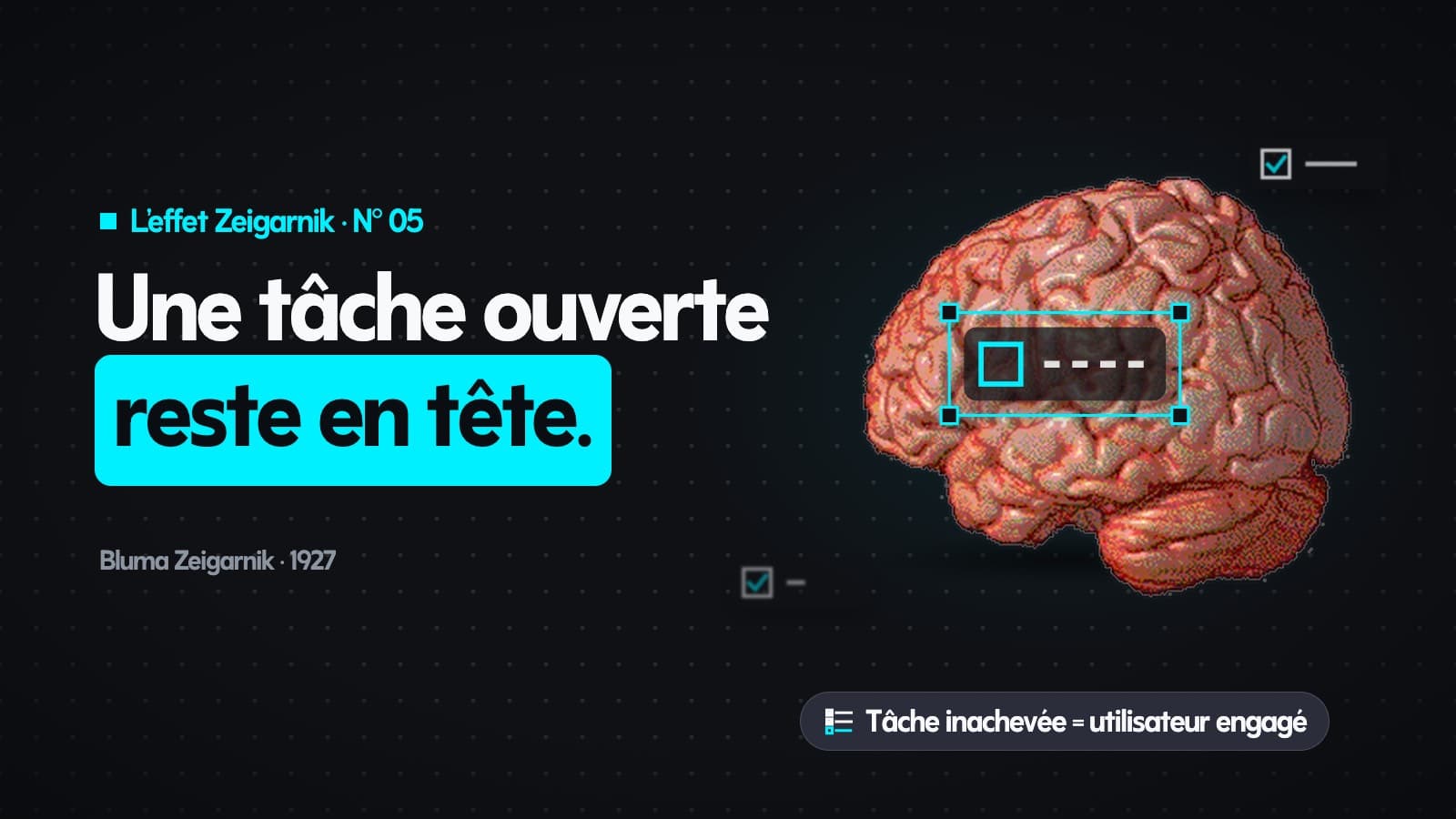
A principle: the Zeigarnik Effect
This is the Zeigarnik Effect, named after the psychologist who described it in 1927.
The key to engagement
And in UX, it is the secret to keeping users engaged with your app: a step left open brings them back.
Five tips for your app
Here are five tips to apply this effect in your app. They open one after the other, like five tasks to finish.
Tip 1 · Endowed Progress
Give users the feeling they have already started. Instead of an empty gauge at sign-up, give them the first 20 %. Their brain counts the action as under way, and as something to finish.
Tip 2 · Chunking
Cut a complex process, like a checkout, into small steps. On the last ones, users feel the cognitive tension the Zeigarnik Effect creates, and they confirm the action, if only to free their mind.
Tip 3 · Saved States
Let users save where they stopped. The unfinished task stays in their short-term memory; when it comes back to them, their brain pushes them to return and “close the loop”.
Tip 4 · Clear indication of progress
Our brain dislikes the unfinished. Show clearly what is left to do: an incomplete progress bar makes users want to fill it to the end.
Tip 5 · Signifiers of additional content
Cut the design on purpose, like a card running off the edge of a carousel. This cut-off element reads as an unfinished task, and nudges users to scroll to see the hidden card.
This article covers episode N° 05 of our series on the UX laws. Next episode: Doherty Threshold.